



Spinaluna Mobile Access
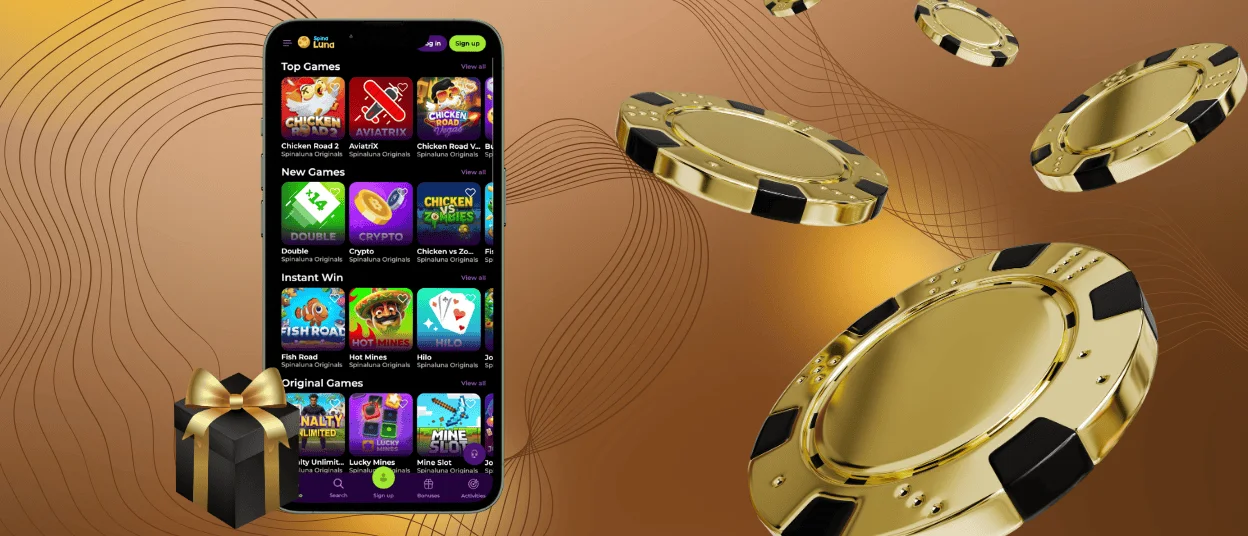
Most of today’s players have fun with online slots and live casino games on smartphones or tablets. We offer the Spinaluna app to give you full entry to our lobby without tying yourself to a desk. You can install it directly from our official site within a few seconds. The visual interface scales perfectly to match your device parameters.
You get the exact same casino features and bonuses on a phone as you do on a computer. Our app uses the secure TLS 1.3 protocol and can be set up on Android and iOS gadgets.



Using Spinaluna on Mobile
You can access our game library through a standard mobile website. You simply open the same Chrome or Firefox you use on your computer to load the pages. However, if you constantly work in a browser and find it annoying to manage dozens of tabs, the Spin Aluna app is the best solution. You can install it on your Android smartphone or an iPad to enter our casino quickly.
Playing on a phone makes it very easy to organize short sessions. You get to dedicate more actual time to Spinaluna Casino games because you never have to wait for a PC to boot up. It is also simple to monitor how long you spend looking at the screen. This helps you control your gaming habits to play responsibly.
There are several other distinct advantages to using the app. The table below outlines what you get when you set up our mobile platform.
| Feature | Details | Examples |
| Push notifications | You get direct alerts on your screen for new promotions and schedule updates. | We can notify you when a massive prize pool event begins, or we can send a quick reminder to claim your Sunday Reload bonus. |
| Activities | You can open the platform for just a few seconds to track your progress or collect fast rewards. | Check your current rank in the Spinoleague tournament, or just log in to complete a daily mission. |
| Location flexibility | It’s possible to open the lobby and place bets anywhere you have a stable internet connection. | You can load up a few quick rounds of Book of Dead or place a stake on European Roulette while on a lunch break. |
| Touch controls | The Spin Aluna Casino interface is built for simple taps and easy vertical scrolling. | You can adjust your bet size and hit the spin button with just your thumb. |
| Software updates | The system refreshes automatically in the background without manual downloads. | You never have to wait for a progress bar to finish before you can open the Spinaluna app. |
Spinaluna App for Android
If you use an Android smartphone, getting the setup ready takes only a few minutes. You do not need to search for installation files in third-party software stores or download a Spinaluna APK to get started. We provide a progressive web application (PWA) directly on our main website. This framework installs a shortcut on your home screen. You get immediate access without consuming massive storage space or waiting for slow downloads.
To add the Spin Aluna app to your device, follow these steps:
- Open your preferred mobile browser and go to our official homepage.
- Tap the main browser menu. It’s located near the address bar.
- Select the “Add to Home Screen” option from the provided list.
- Key in a custom name for the shortcut if you prefer.
- Confirm the action to generate the Spinaluna icon on your phone.
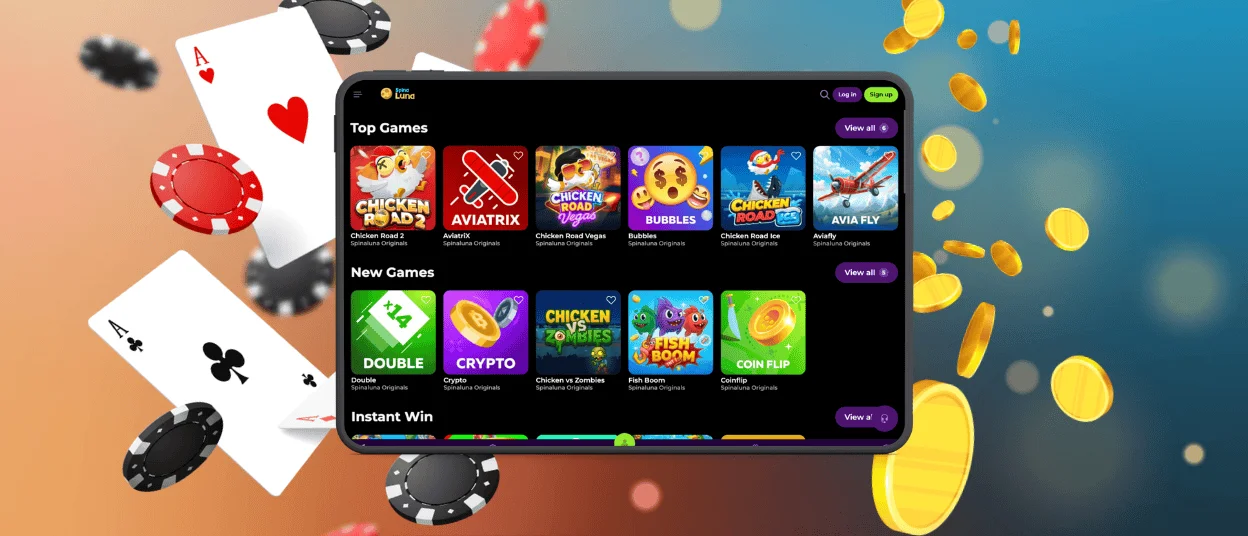
From that moment on, when you tap the icon, you will launch the application in a dedicated full-screen mode. The interface removes standard browser elements to maximize the viewing area for the games. The app processes all transactions and loads pages even faster than the desktop version. You can fund your balance using crypto or use mobile-specific methods like Google Pay.
Spinaluna App for iOS
Players using iPhones or iPads can load Spin Aluna Casino with the same level of technical ease. Apple devices are great at handling our responsive web layout through the Safari browser. When you visit our site, the server automatically identifies your gadget model and delivers the best possible gaming experience.
You can also get the Spinaluna app for your smartphone. Tap “Share”, then scroll down the provided list of options and hit the “Add to Home Screen” button. You confirm the action, and the icon instantly appears among your other installed applications.
We maintain the full game library here. You can try massive progressive jackpots or sit at high-stakes roulette tables. If you happen to have any questions while playing on your iPhone, just open live chat to speak with our support team. The Spinaluna Casino mobile platform holds nothing back. It gives iOS users complete control over their accounts and betting limits.
Desktop App for Windows and macOS
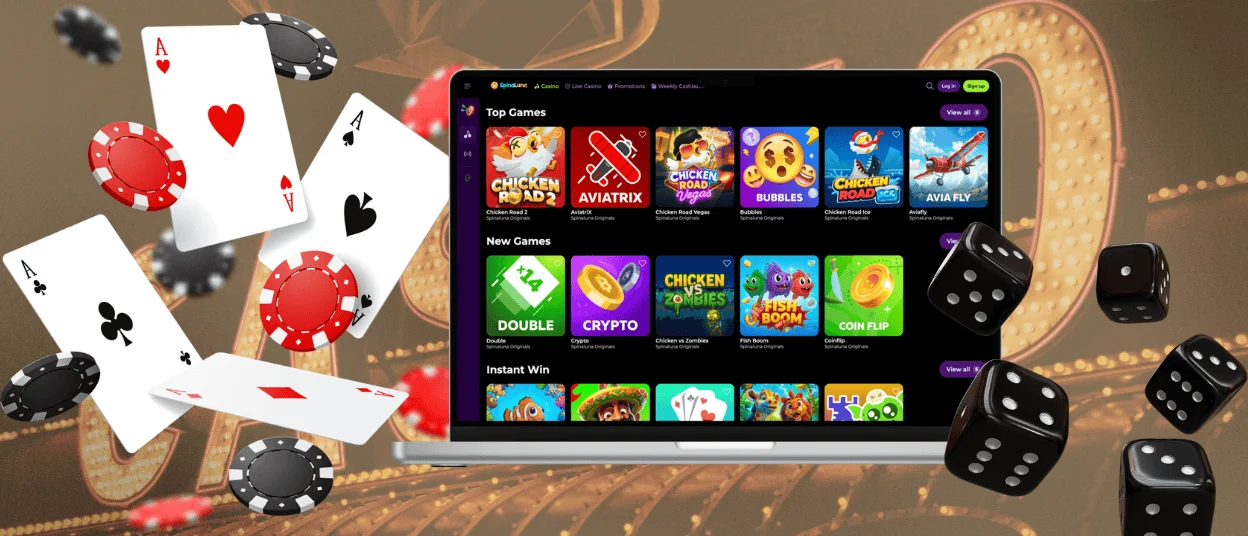
Many users prefer to sit at a desk and play on a large monitor. To set up a dedicated desktop version of the Spinaluna app, just look for the small installation icon in the right corner of your browser’s address bar. Clicking it places a shortcut on your taskbar.
You can run the Spinaluna Casino desktop application on:
- Windows
- macOS
- Linux
- ChromeOS
This creates a standalone window to separate the casino from your regular web browsing. It runs on its own to keep your system resources focused on the platform. If you want to play live dealer titles at maximum video resolution, this specific setup helps prevent lag.
Security and Fair Play
We process all financial transactions through encrypted data tunnels to protect your sensitive bank details. To block malicious traffic from reaching the platform, Spinaluna Casino relies on active web application firewalls. When you deposit or withdraw funds, we handle the request through PCI-DSS-compliant payment gateways.
We also require all players to complete a standard verification process. You can upload photos of the necessary identification documents through our app or mobile website. It’s also possible to enable two-factor authentication on your Spin Aluna Casino account. The system will ask for a unique code from your phone every single time you sign in to the platform.
FAQ
What Exactly Is a Progressive Web App?
A PWA simply means you install the Spinaluna app directly from your browser instead of visiting Google Play or the App Store. It runs exactly like standard software on your phone, but it requires much less storage. You just get a shortcut on your screen to open our lobby immediately.
What Permissions Does the Spinaluna App Need?
Our mobile casino only needs the basics, like an internet connection, to load games. Your phone will also ask if you want to receive push notifications. The only other time the system requires access is when you verify your account. It will ask to use your camera for a minute to snap a photo of your ID. You can control all these settings in your device’s menu.
Can I Set Up Deposit Limits On My Phone?
You get full access to all responsible gaming tools at Spinaluna Casino through the mobile interface. You can easily set up daily limits or take a short break. Just open your account settings and adjust the parameters to control your spending.


